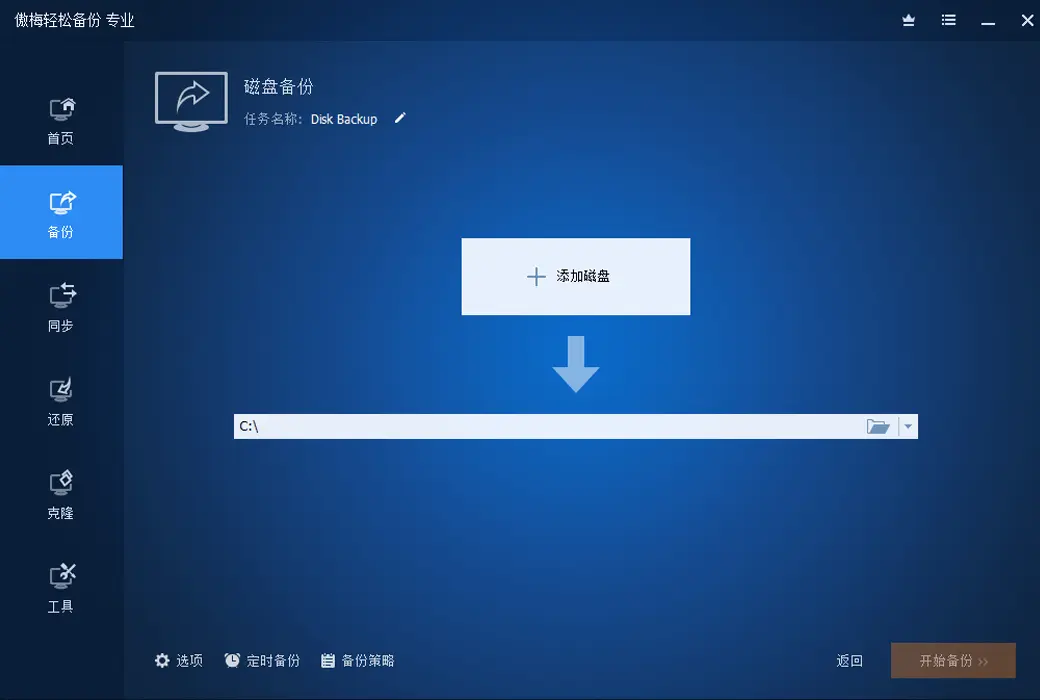
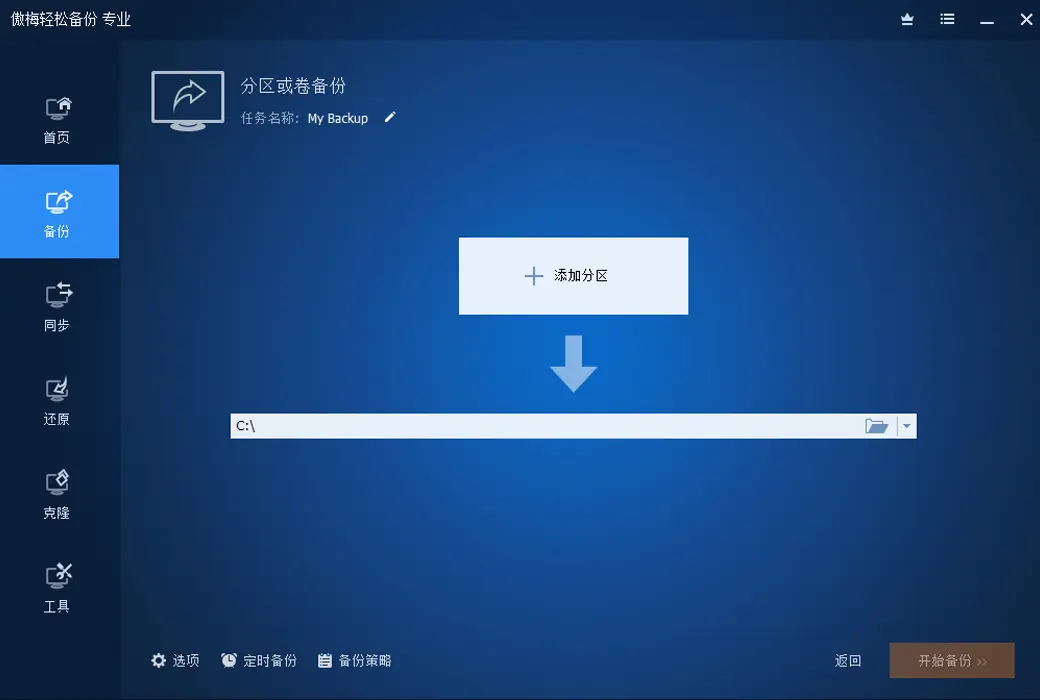
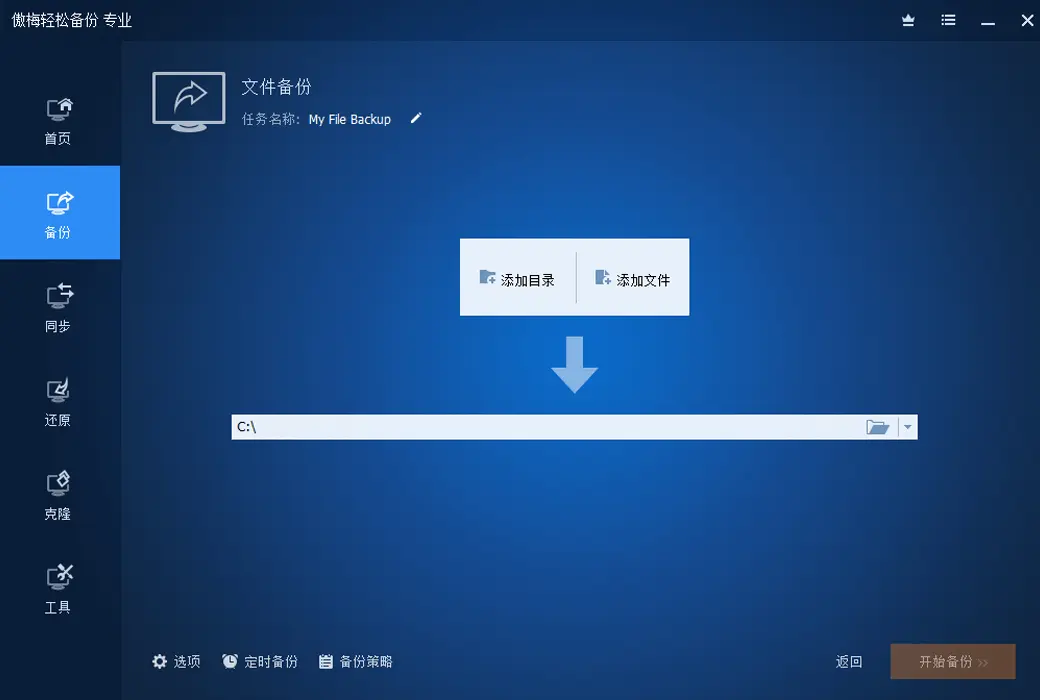
Generally speaking, after using the system for a period of time, home users often encounter system crashes and various issues that hinder normal use, and may need to reinstall the system. But as we all know, reinstalling the system is quite time-consuming. It usually takes about half an hour to install once, and then various drivers and application software need to be installed for the system. After installation, it takes about 2 hours or even longer. So, usually we will perform a backup of the entire system (usually the C drive) after installing the system and commonly used software.
Many times, in order to prevent system reinstallation or to avoid system problems, whether it is a newly purchased computer or an old computer that has been used for several years, we will make a full backup of the system every once in a while. This way, if there is a problem with the system, it can be quickly and conveniently restored to the previous normal state to avoid installing the system and applications from scratch.
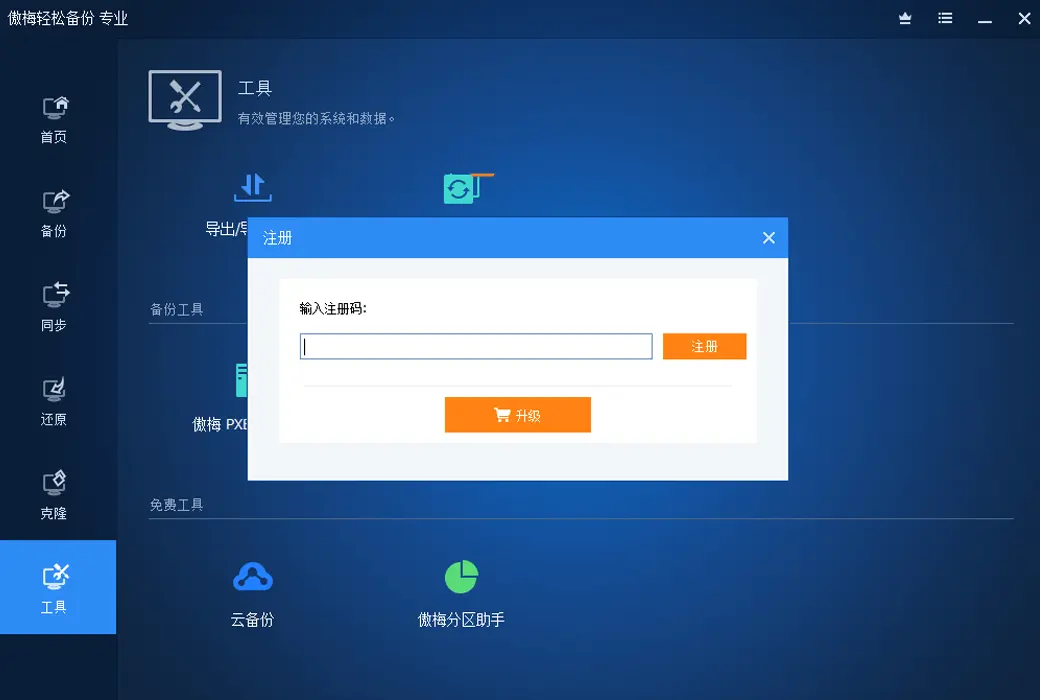
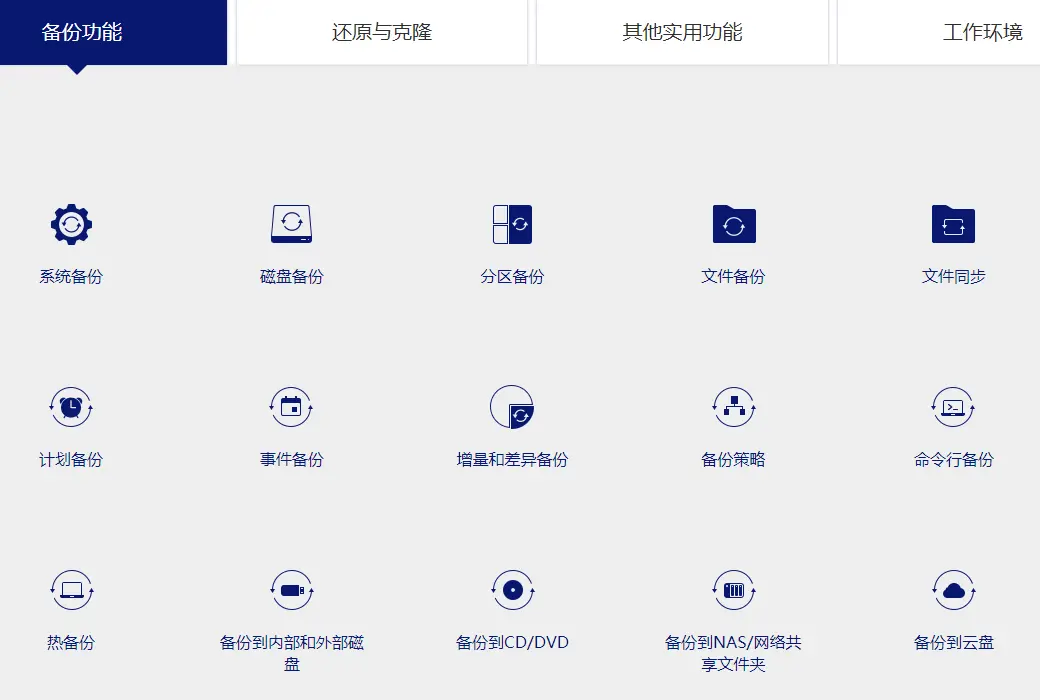
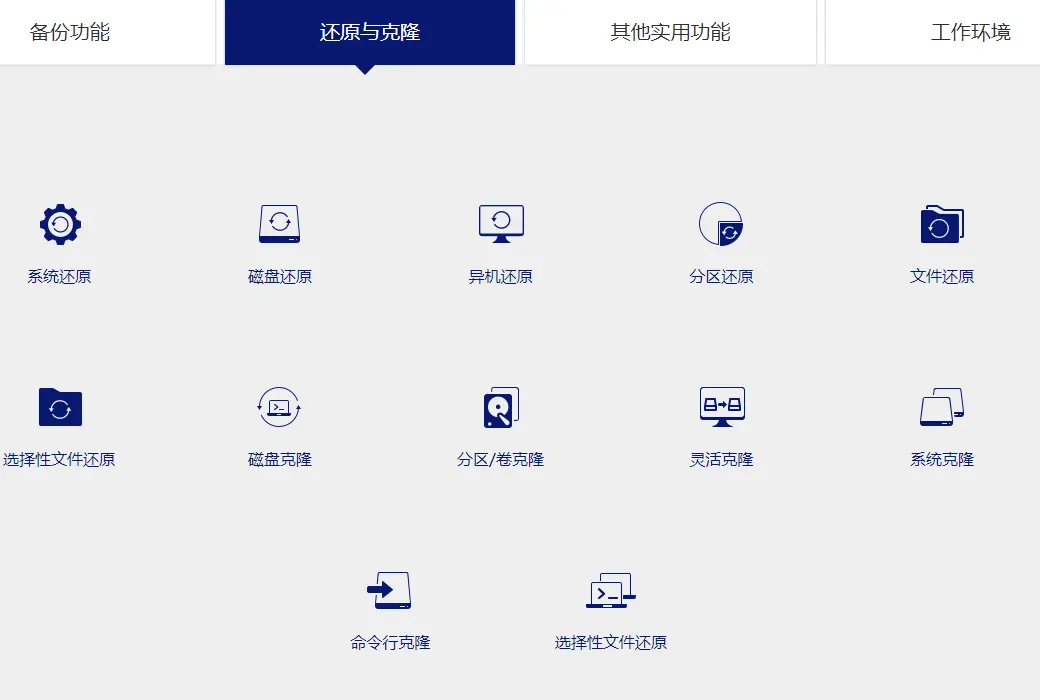
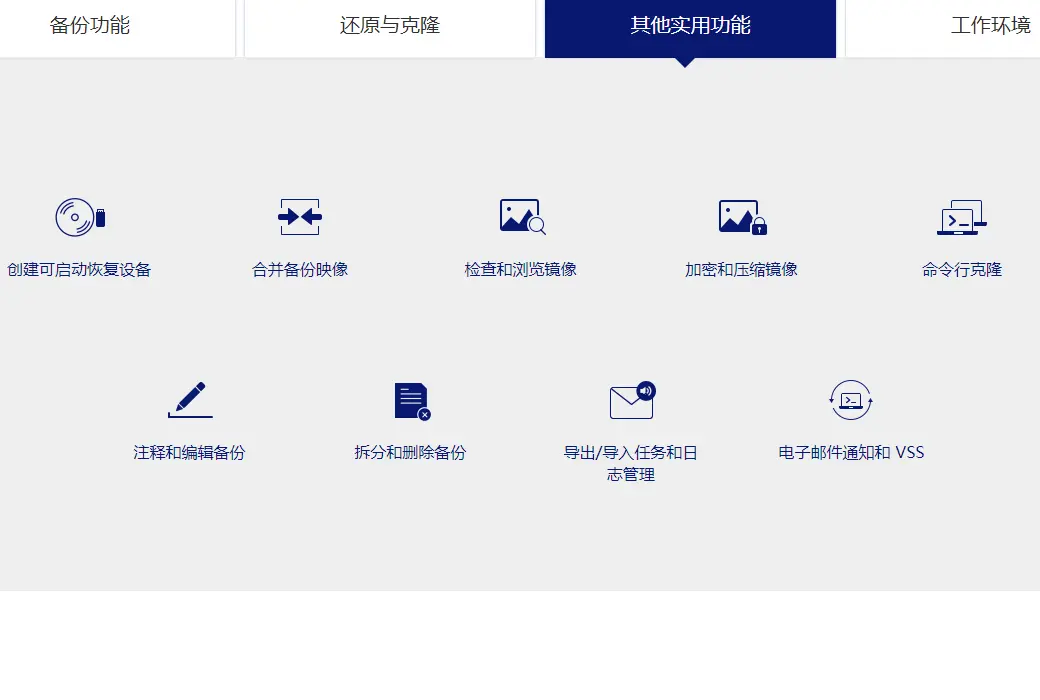
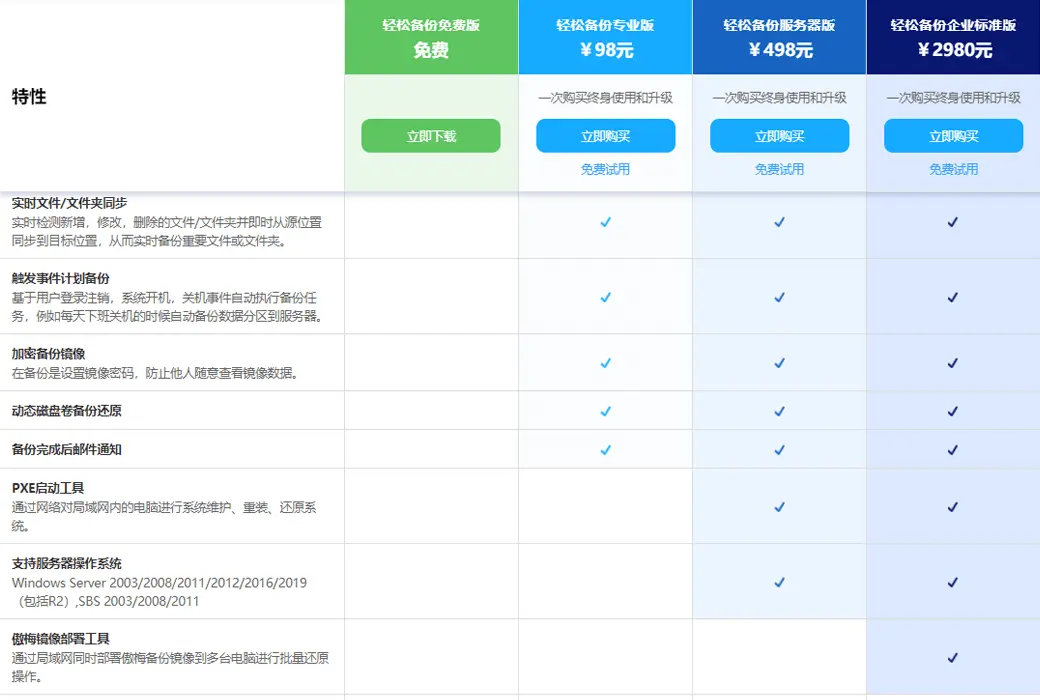
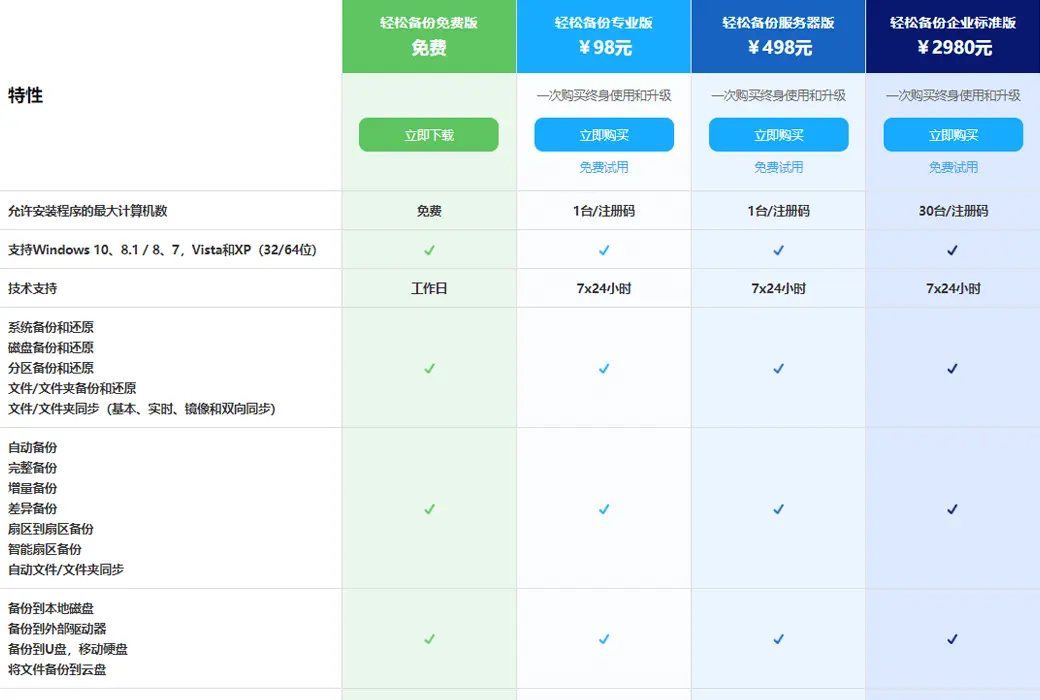
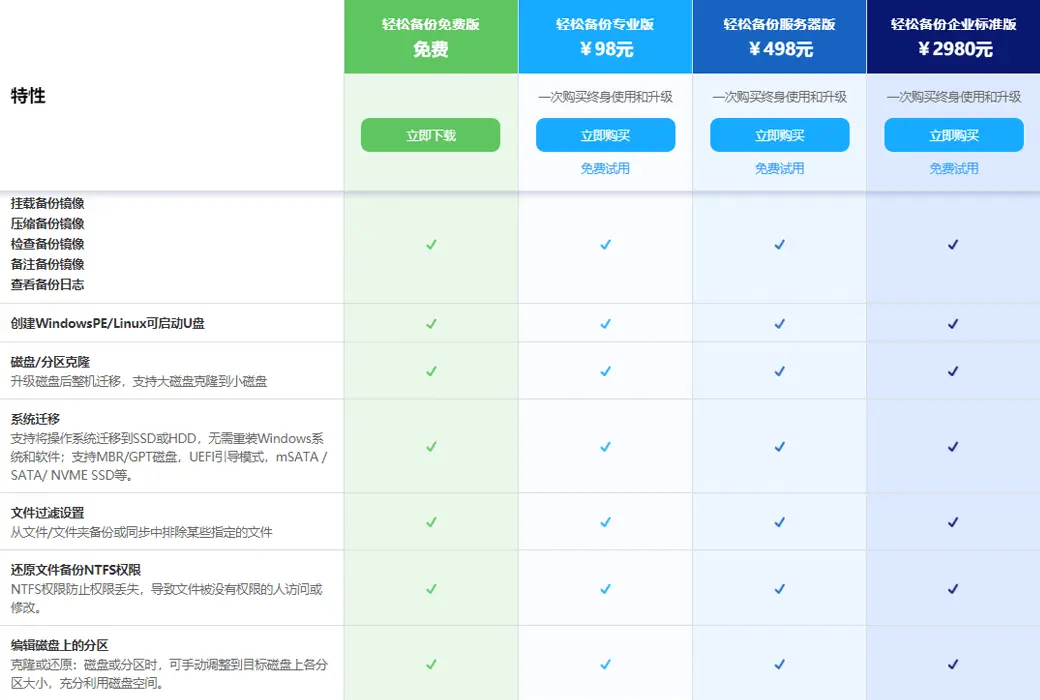
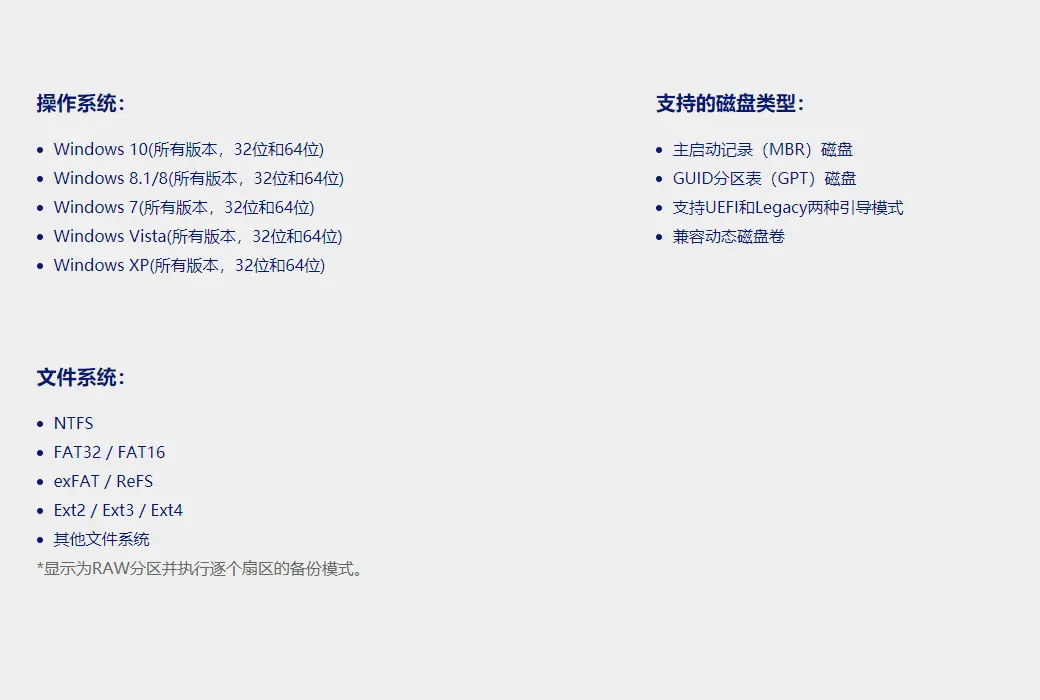
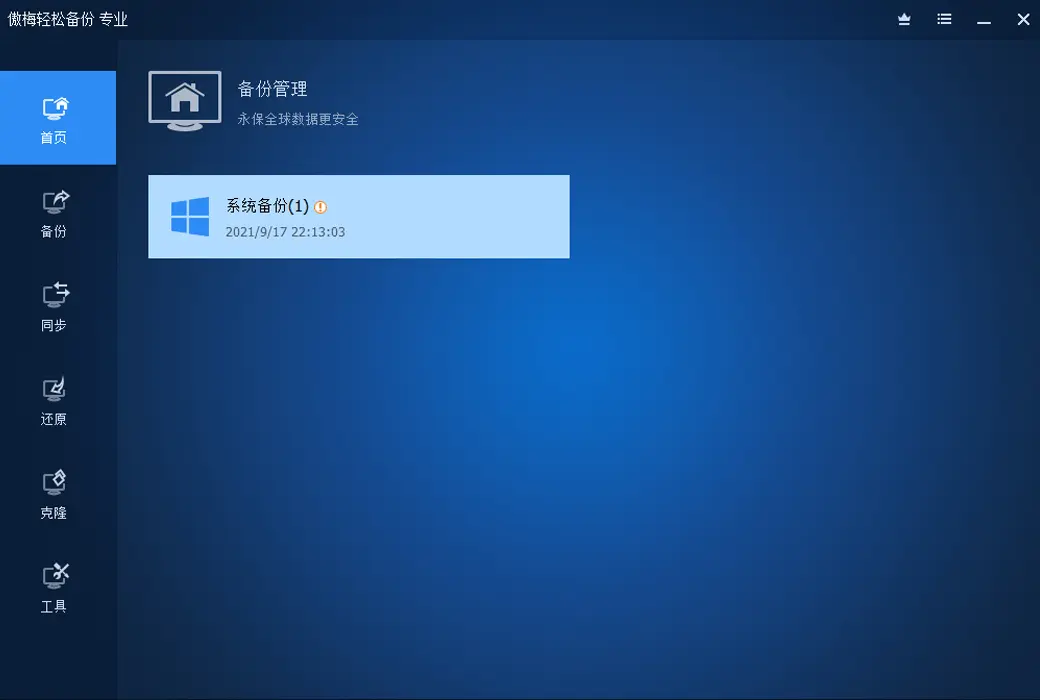
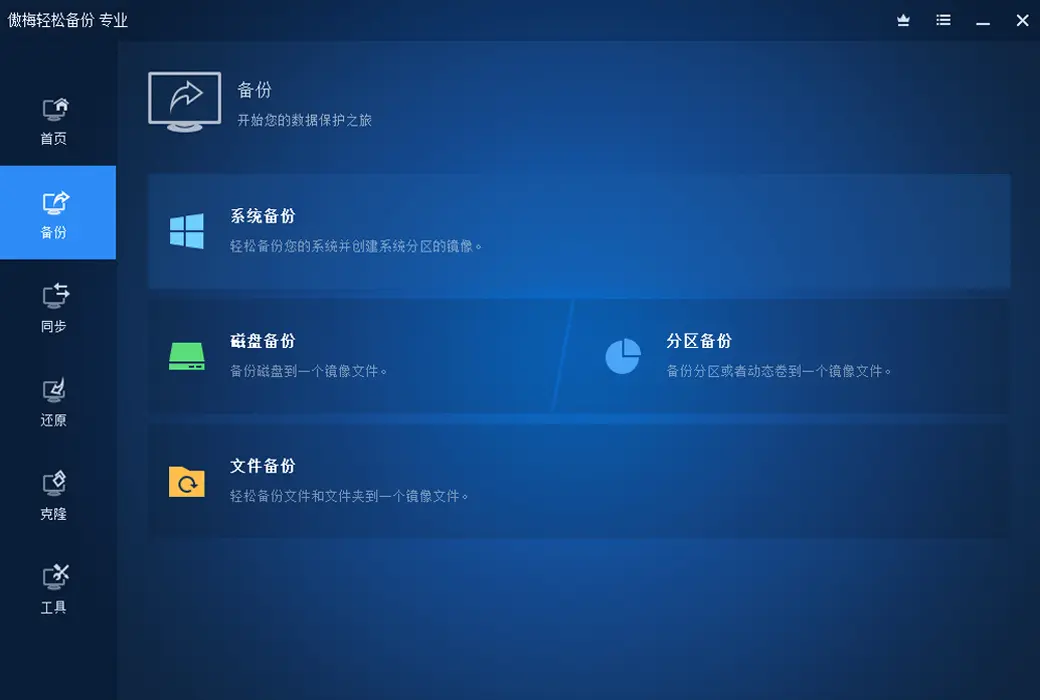
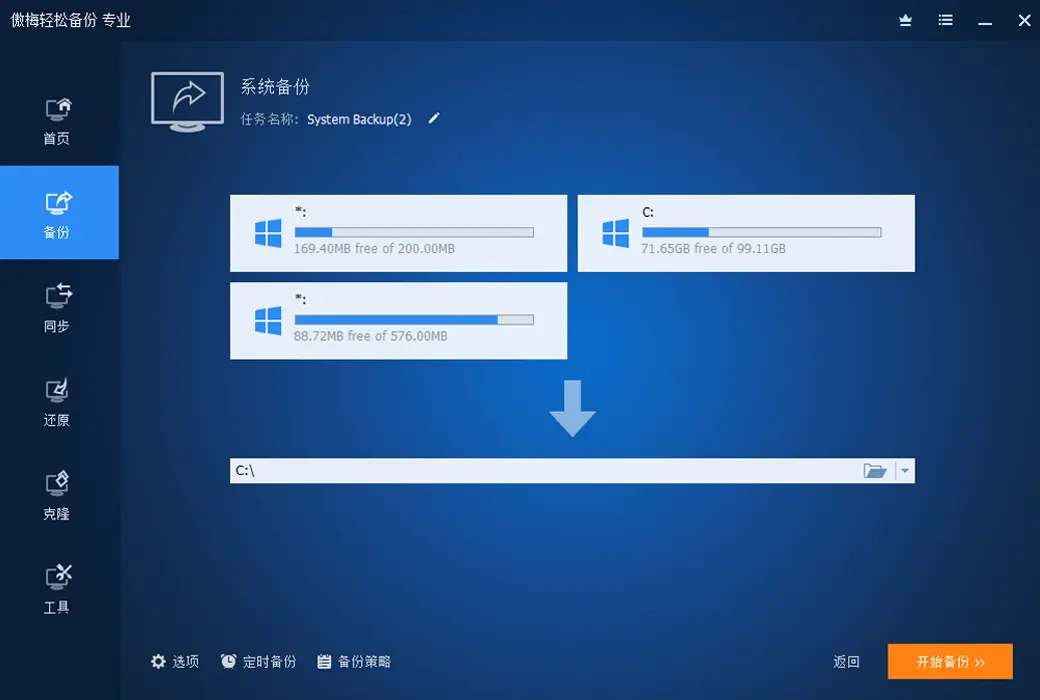
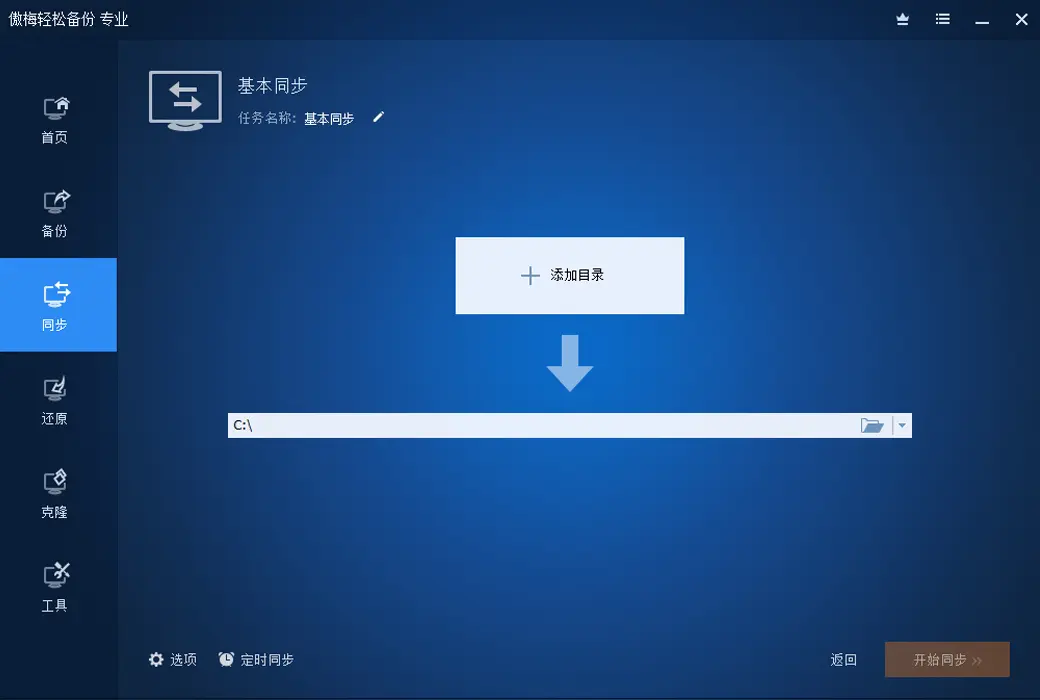
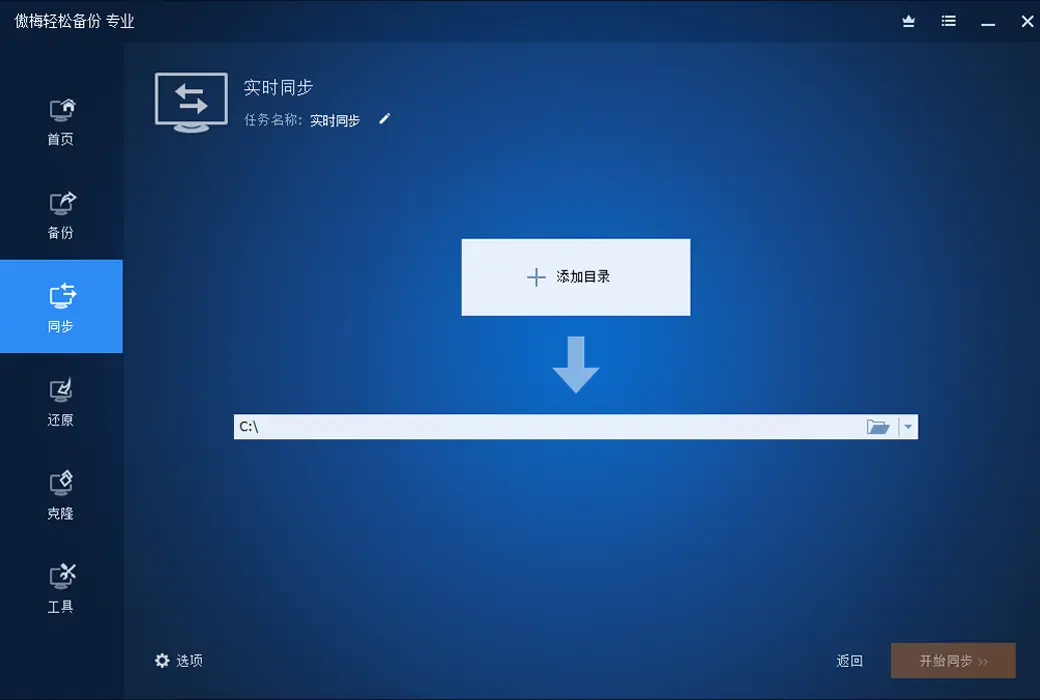
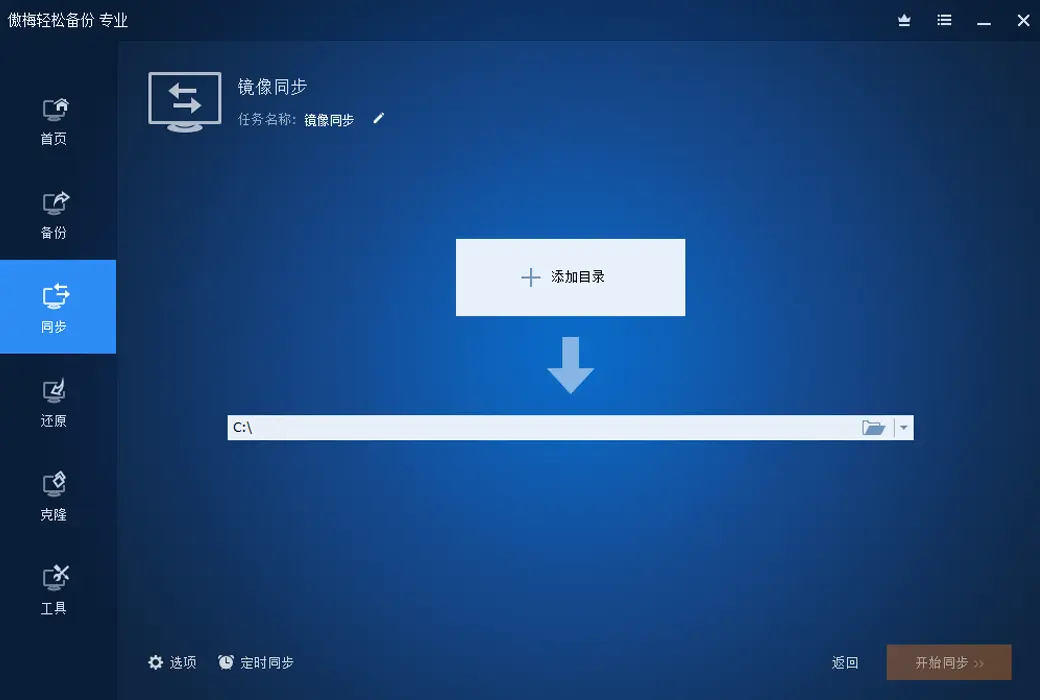
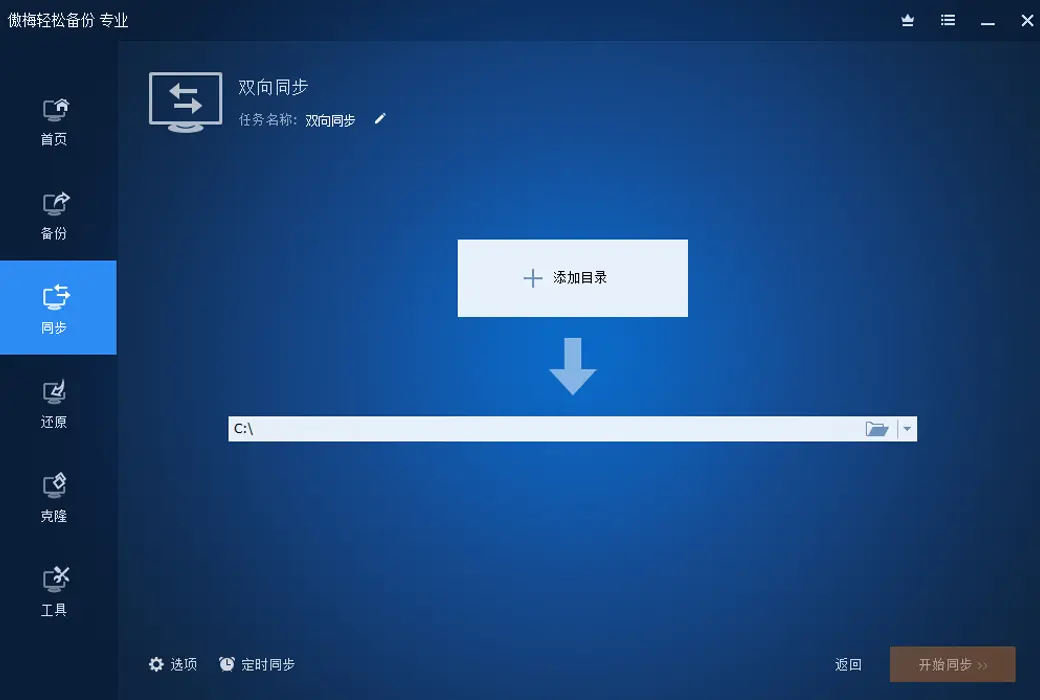
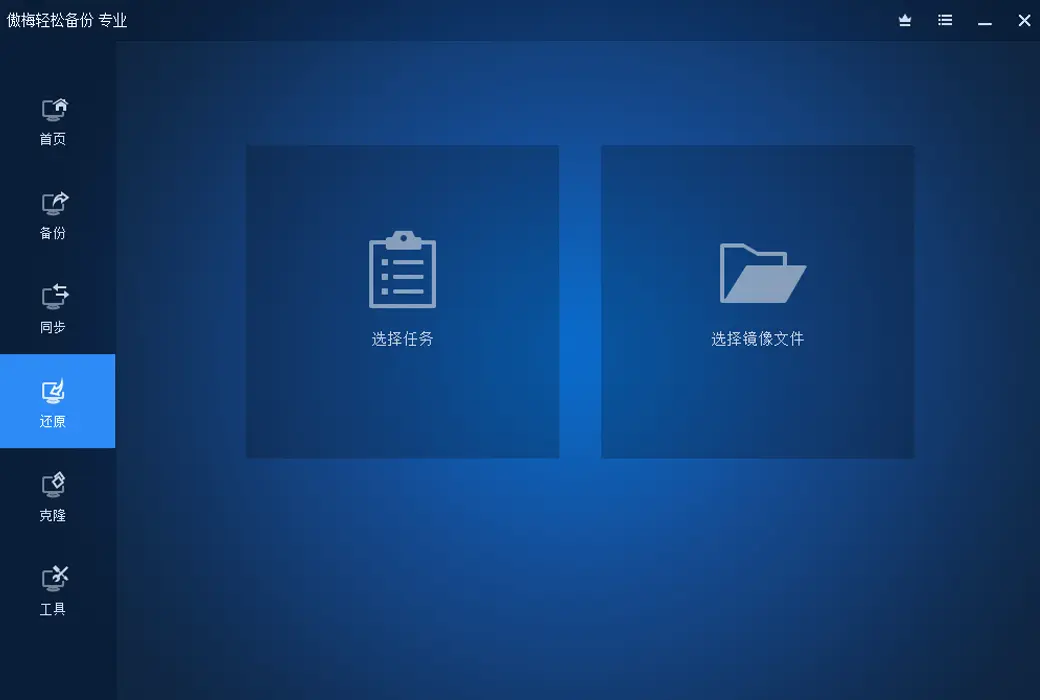
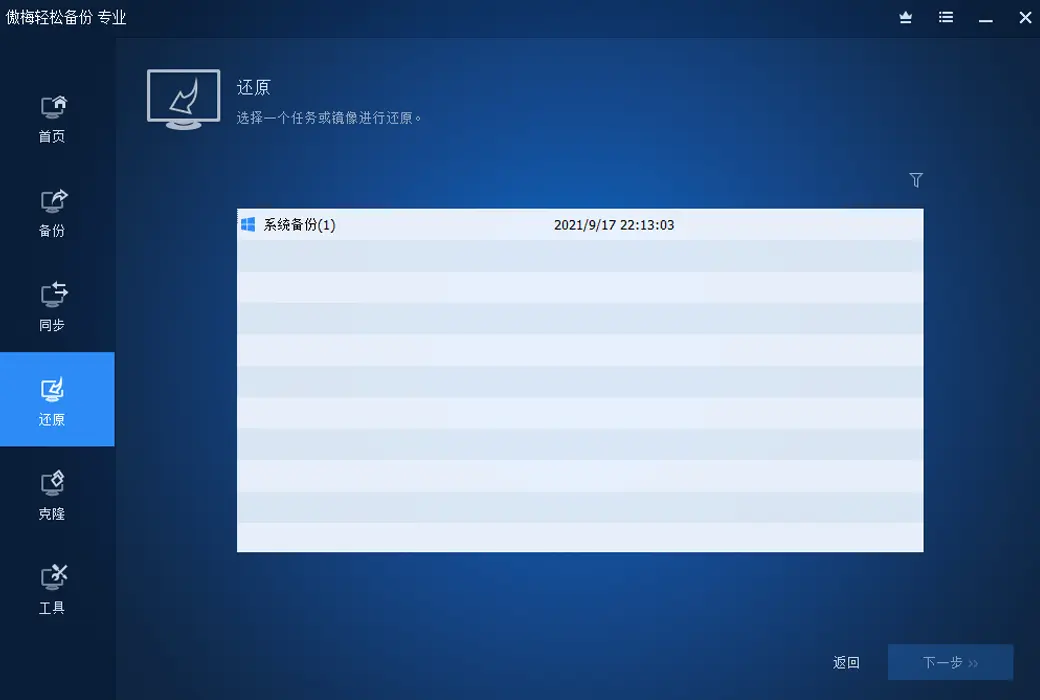
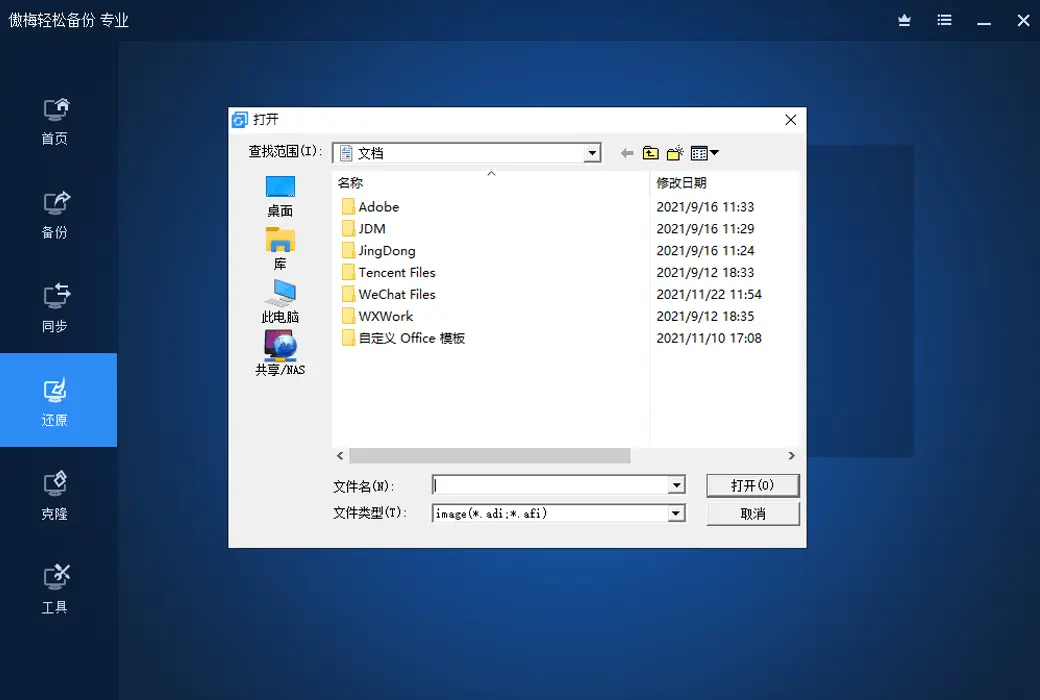
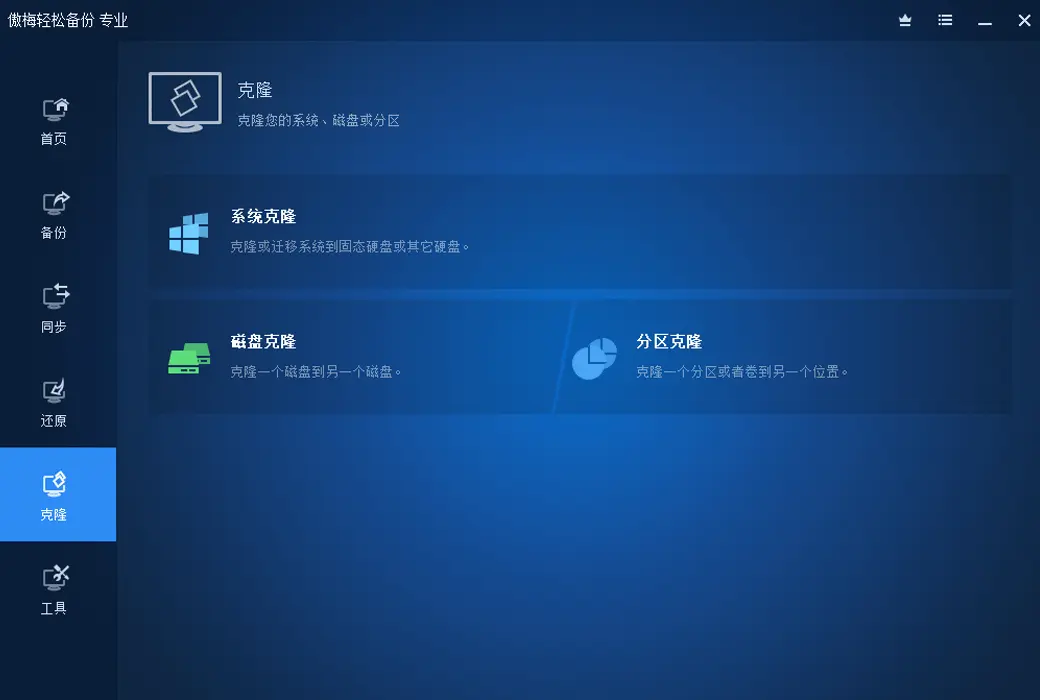
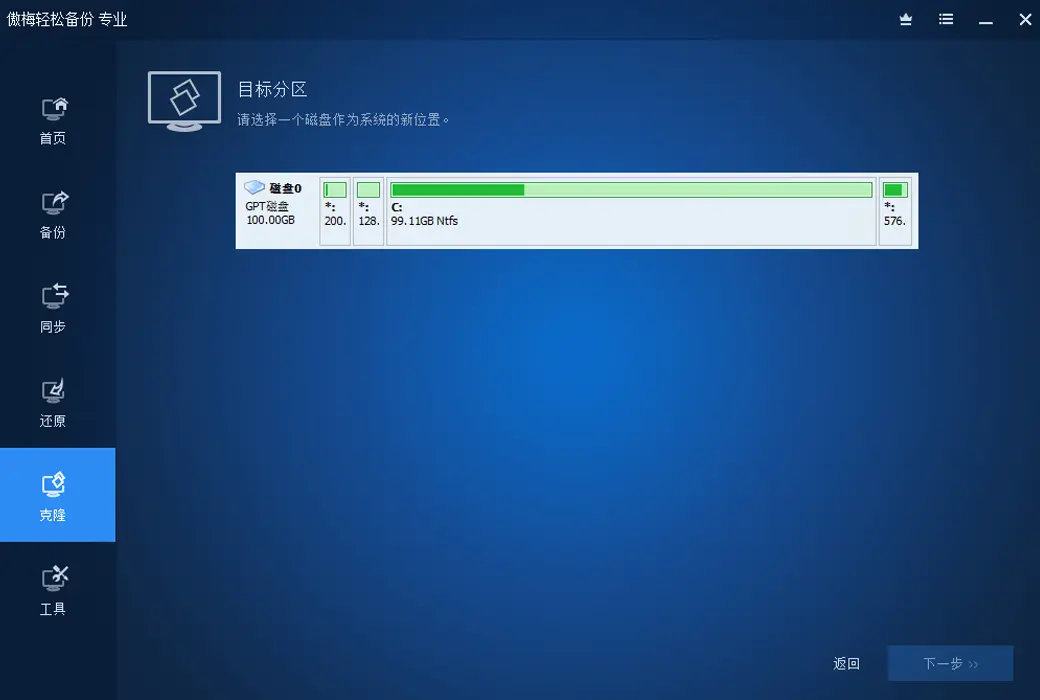
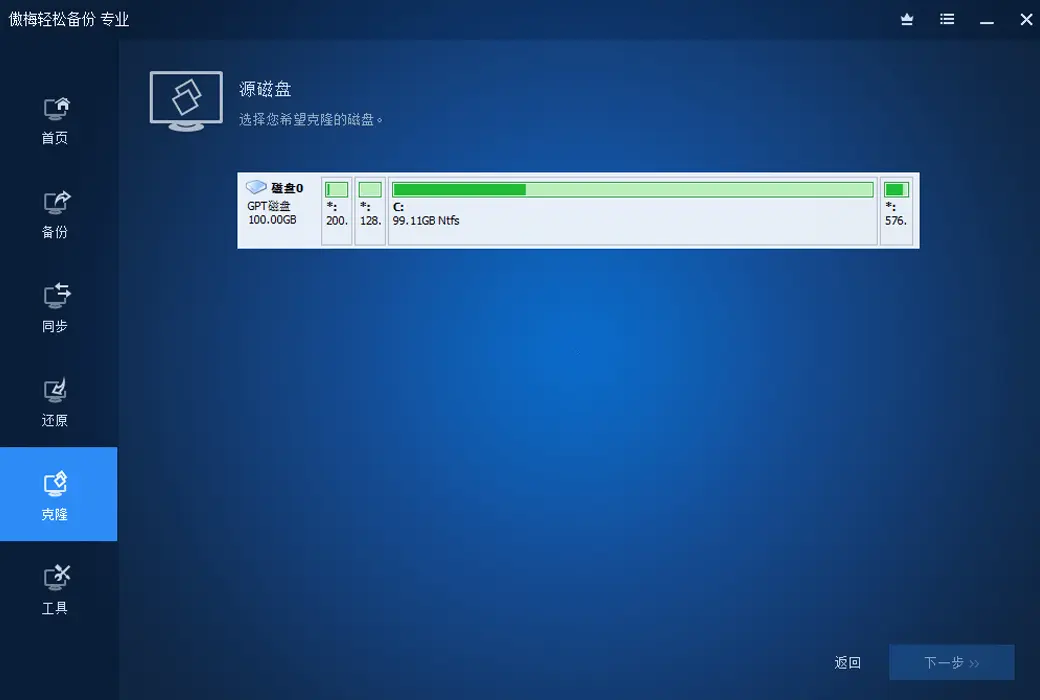
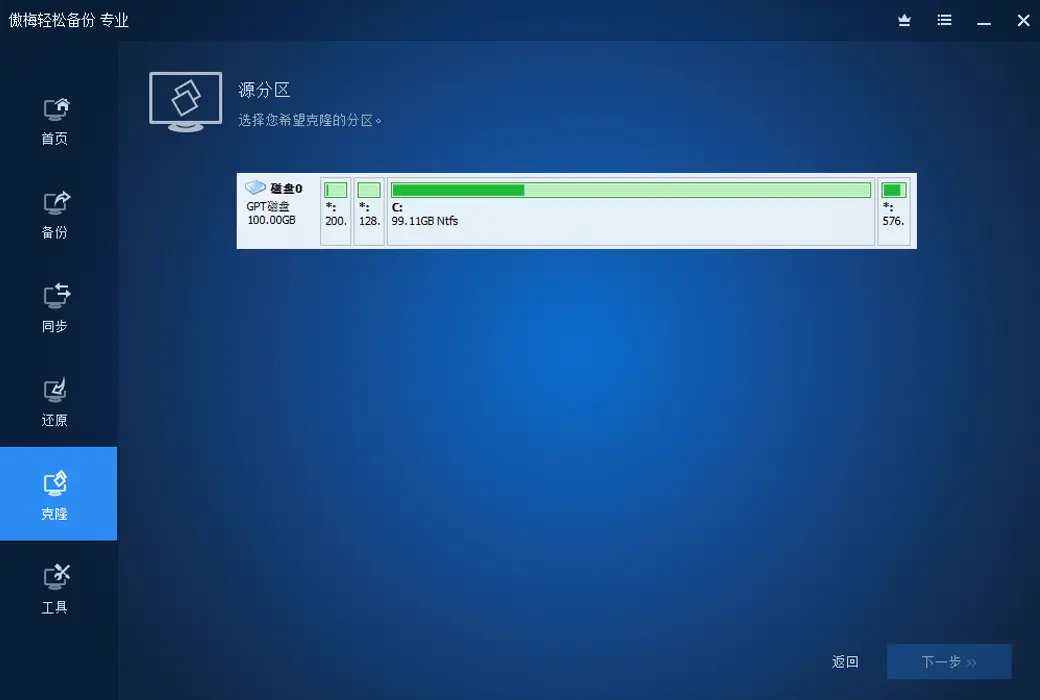
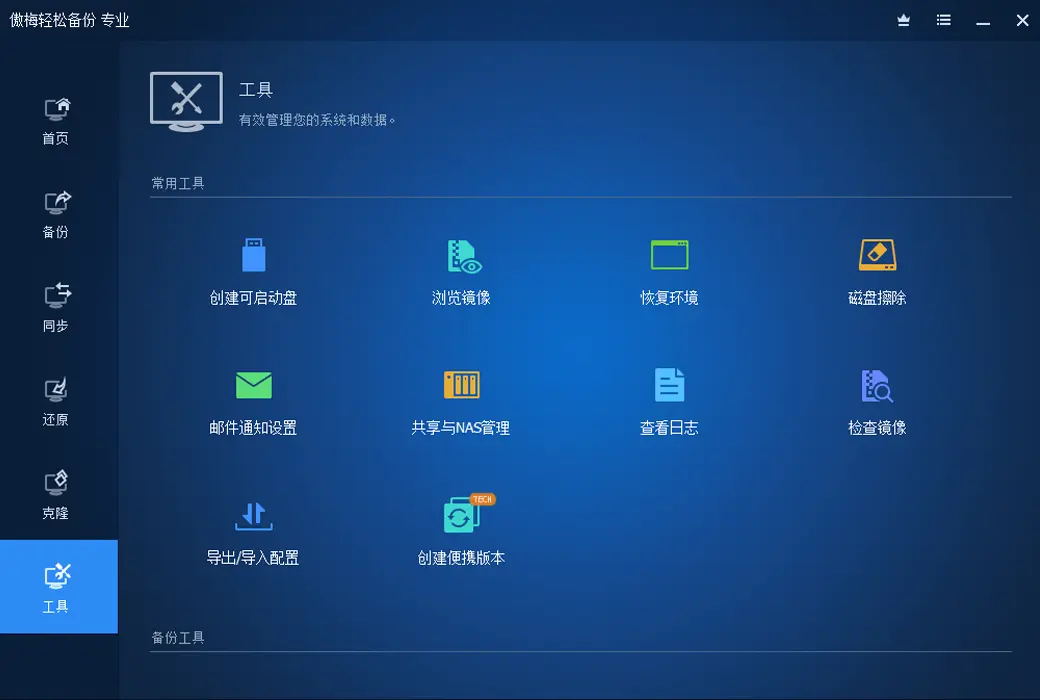
And Aomei Easy Backup can easily help you backup your computer system or all data. By using Easy Backup, the data in the system can be backed up to an image file. In the future, when the system encounters problems, we can use the restore function of Aomei Easy Backup to directly restore this image file, which can restore our system and save a lot of time.
Tip: Before backing up, you can perform a garbage cleanup on the system by deleting some useless temporary files. Because the more programs installed in the system, the larger the backed up image file, and the more disk space the image file occupies. After restoring the system, these junk files will also be restored back, so it is important to keep the system clean before backing up.
Published on 2025-08-06 广东