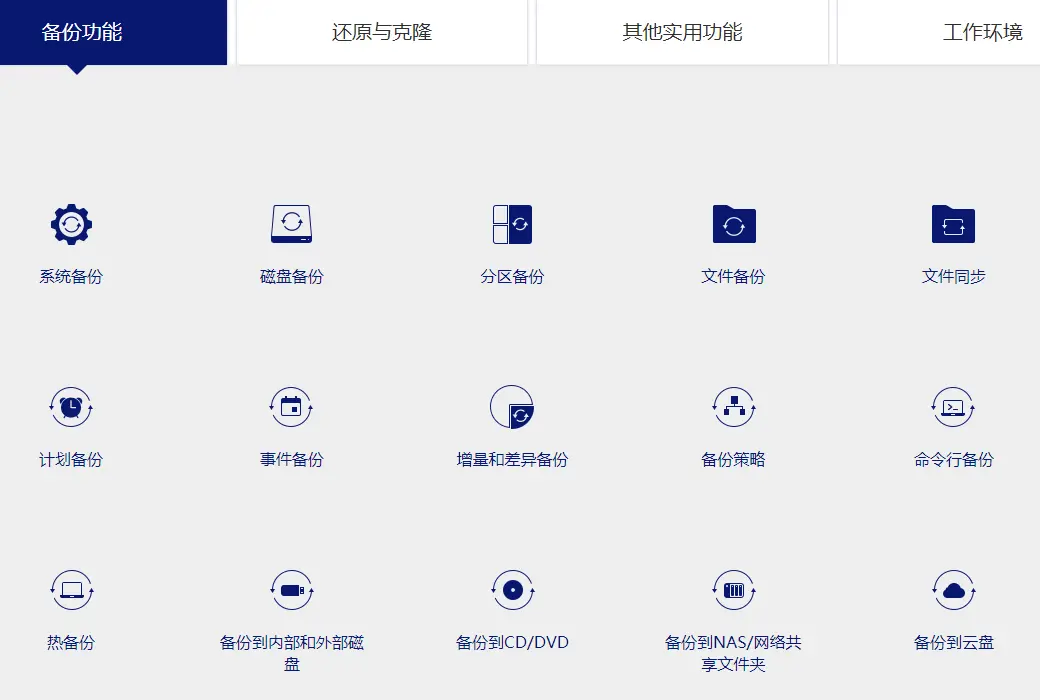
system backupRefers to the program for backing up system files, booting files, and installing system partitions,
Only by backing up both system files and boot files simultaneously can the system be ensured to be functioning properly during the next system restore.
If only one of these two is backed up, the system may still not function properly after a system restore.
So at this point, we need to understand what system partitions and boot partitions are.
- System partition: refers to the partition where the operating system is installed, commonly known as the C drive. System files occupy a relatively large amount of disk space, such as Windows; 7 systems require a minimum of 8GB of space.
- Boot partition: a partition used to store boot files, including boot.ini; ntldr, bcd, Winload.exe and so on, the space occupied by the boot file may be very small, Win 7 is generally within 200MB.
In Windows Before 7 operating systems, like Windows; XP, Vista and Server; In the 2003 operating system, the system partition and boot partition are combined together,
That is to say, the boot partition is the system partition, and the system partition is also the boot partition. In this case, a partition is needed for backing up the system.
But in Windows 7, Windows 8, Server 2008, Server In the 2012 operating system, the system partition and boot partition are separated,
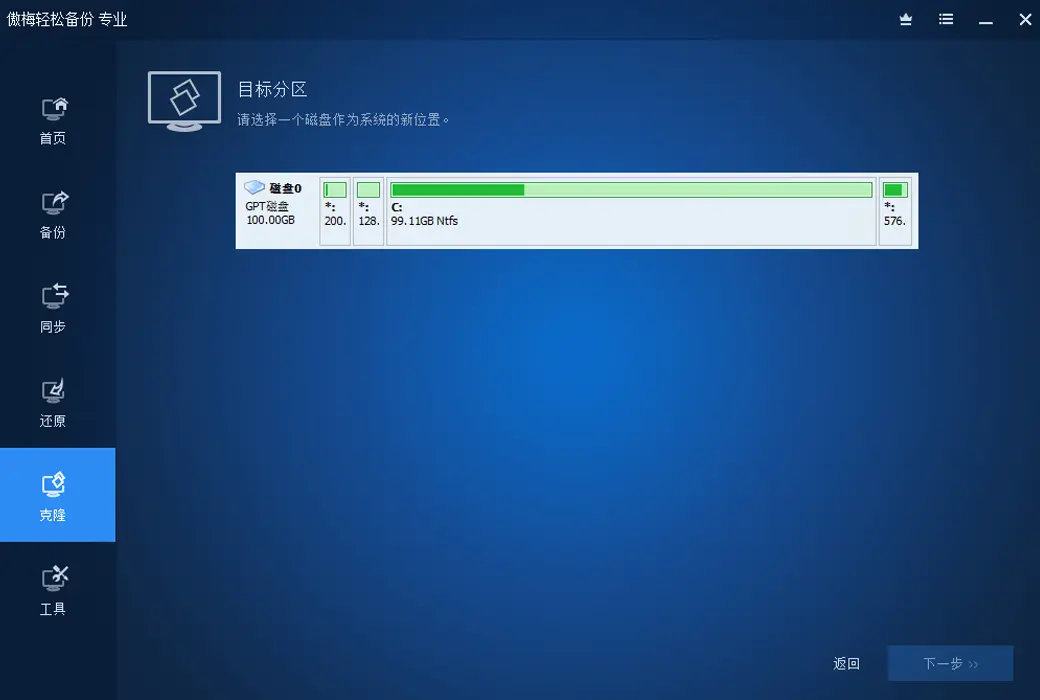
The system partition can still access the C drive normally, but the boot partition is a partition of about 200MB in size called System; Reserved,
This partition does not have a drive letter, so we usually cannot access the boot partition and its files.
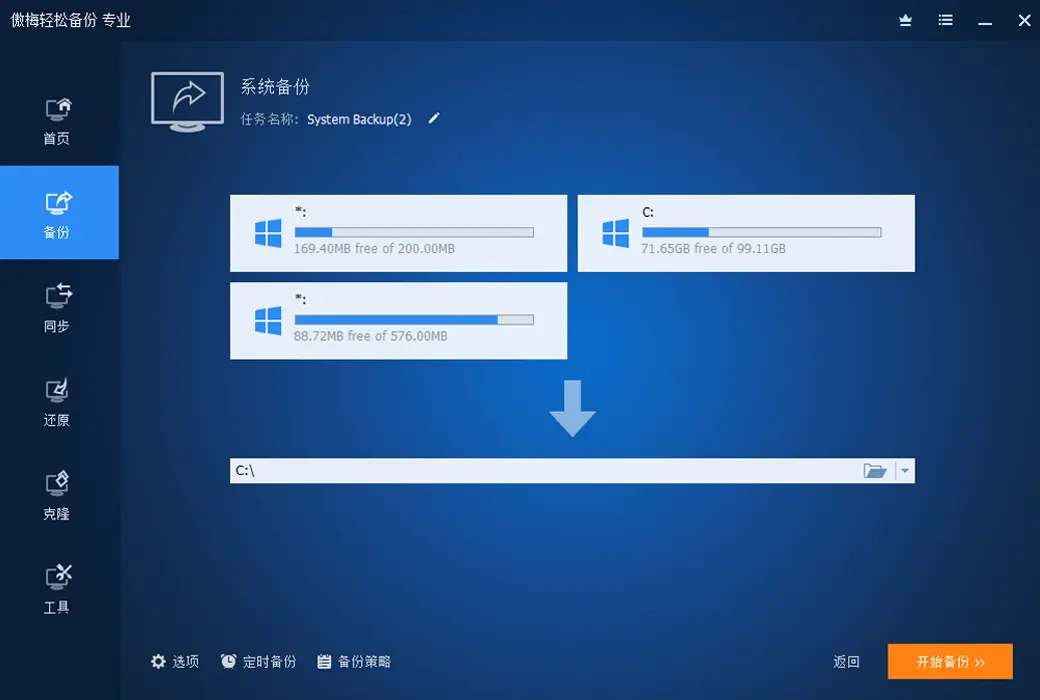
Therefore, when it comes to Windows When backing up the system on 7/8, only when both partitions are backed up simultaneously can it be considered a complete system backup.

So how should we backup the system?
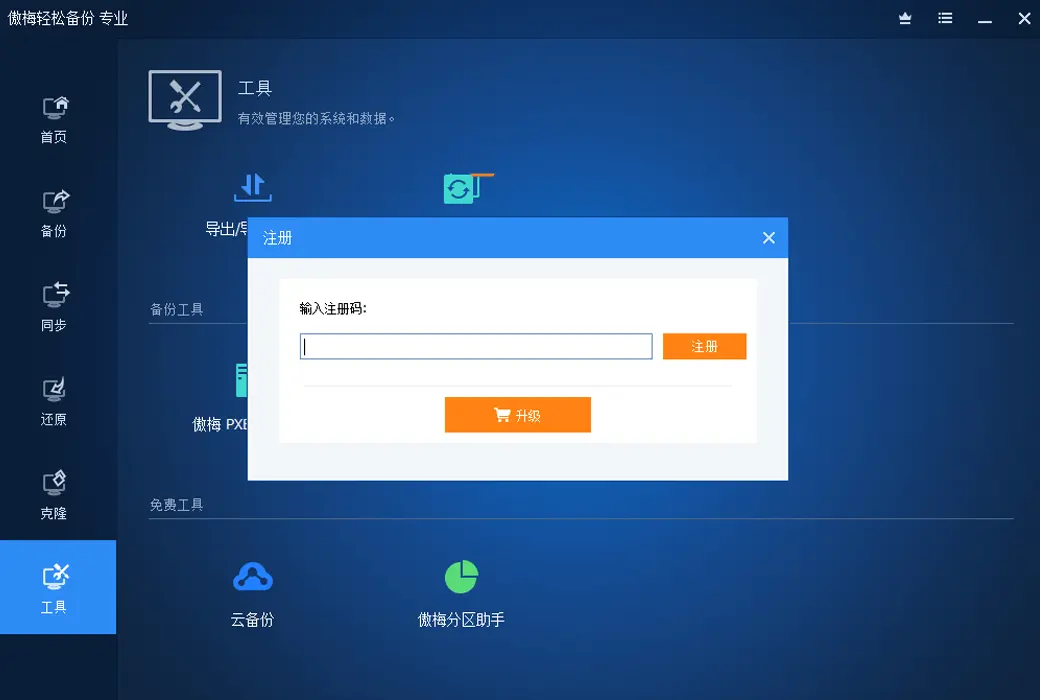
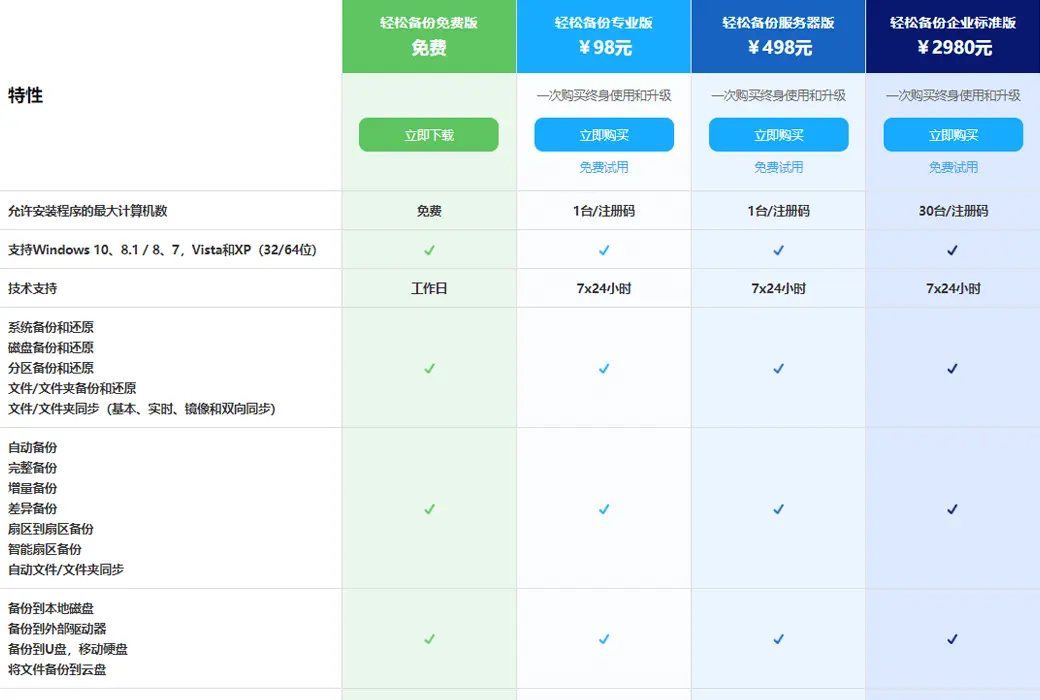
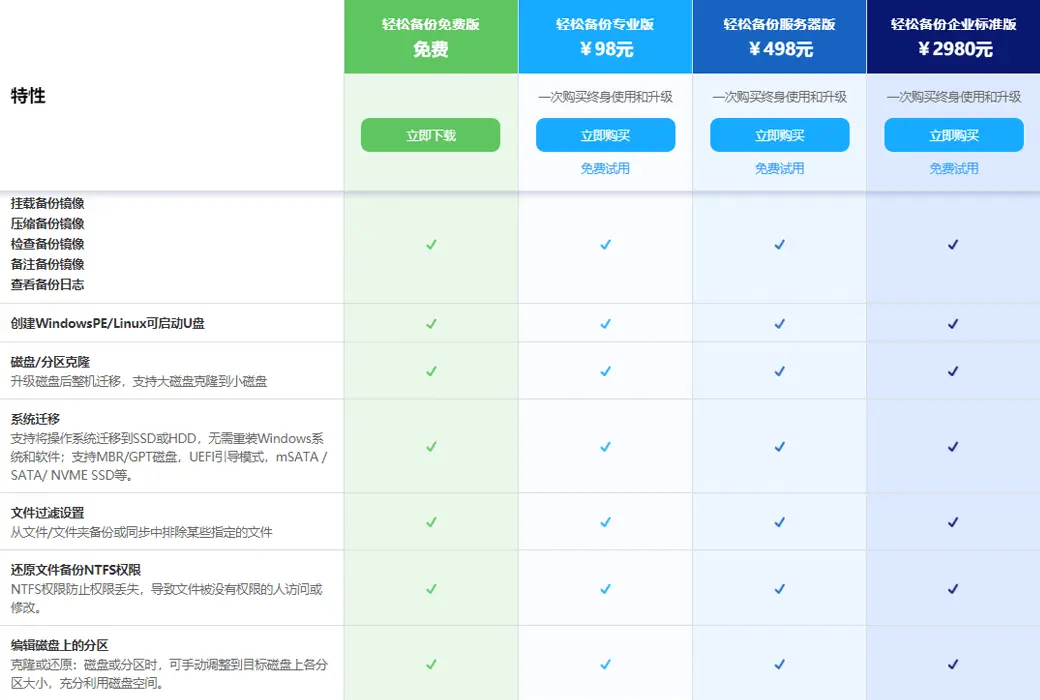
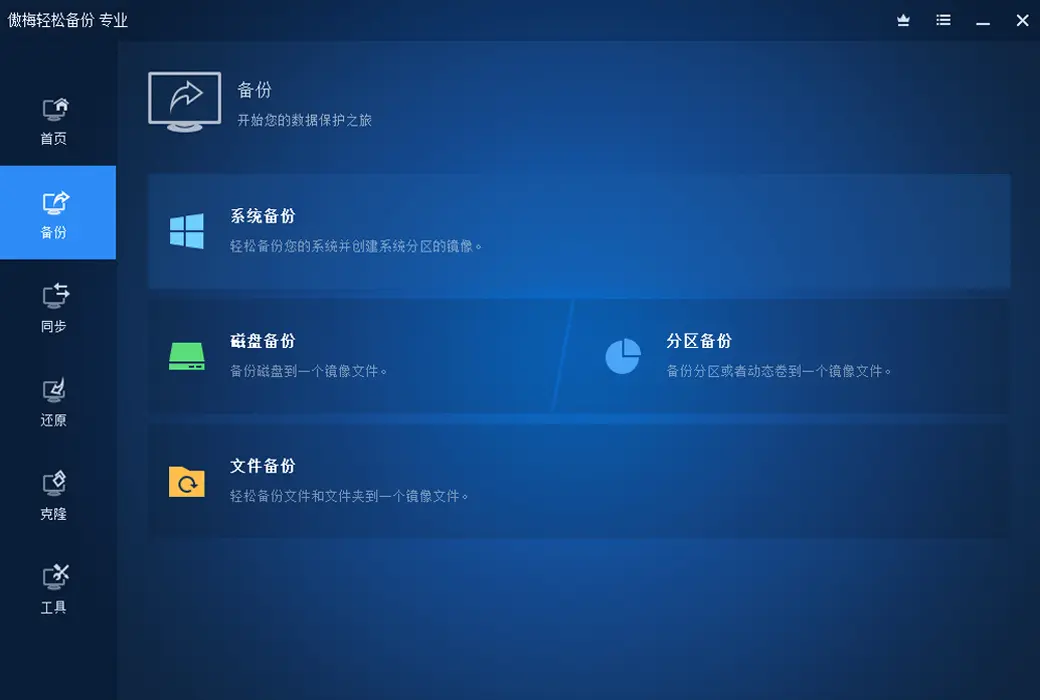
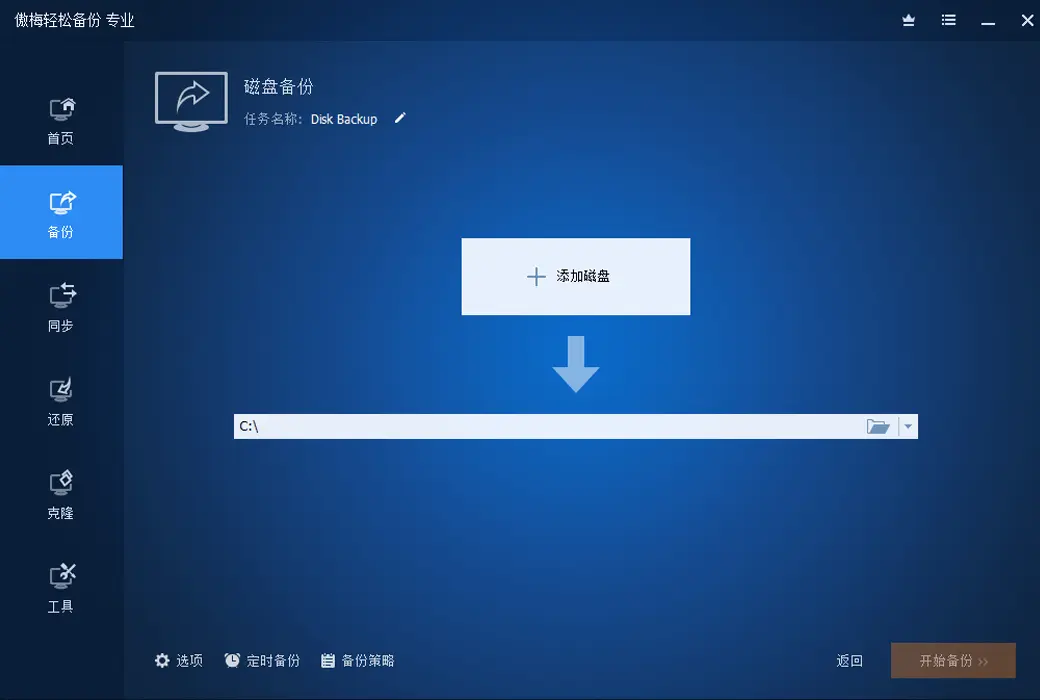
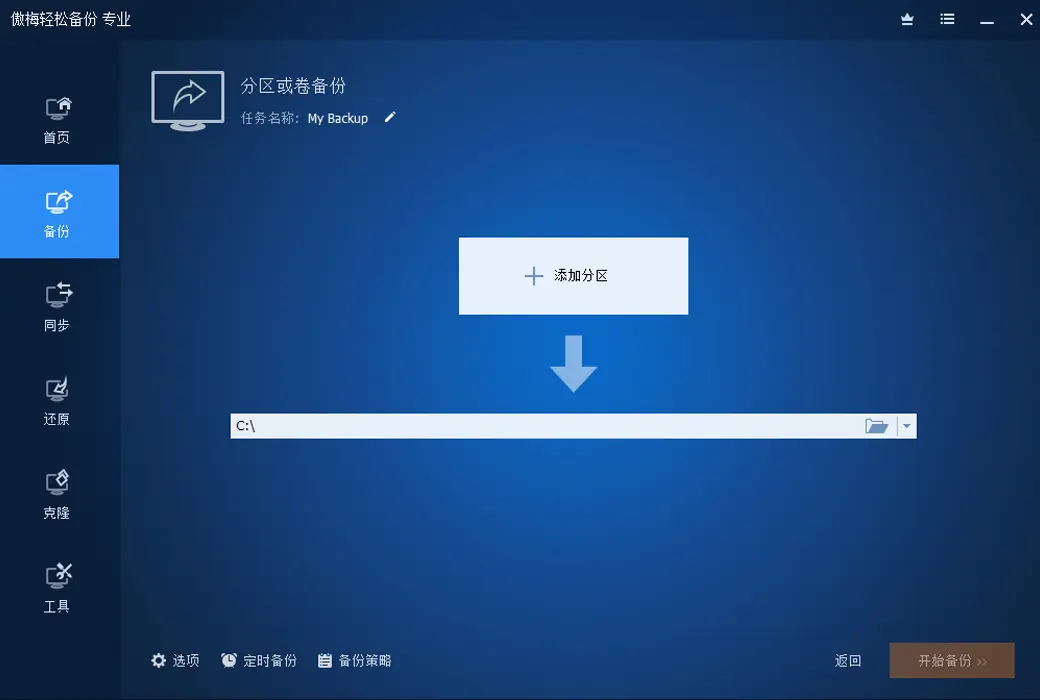
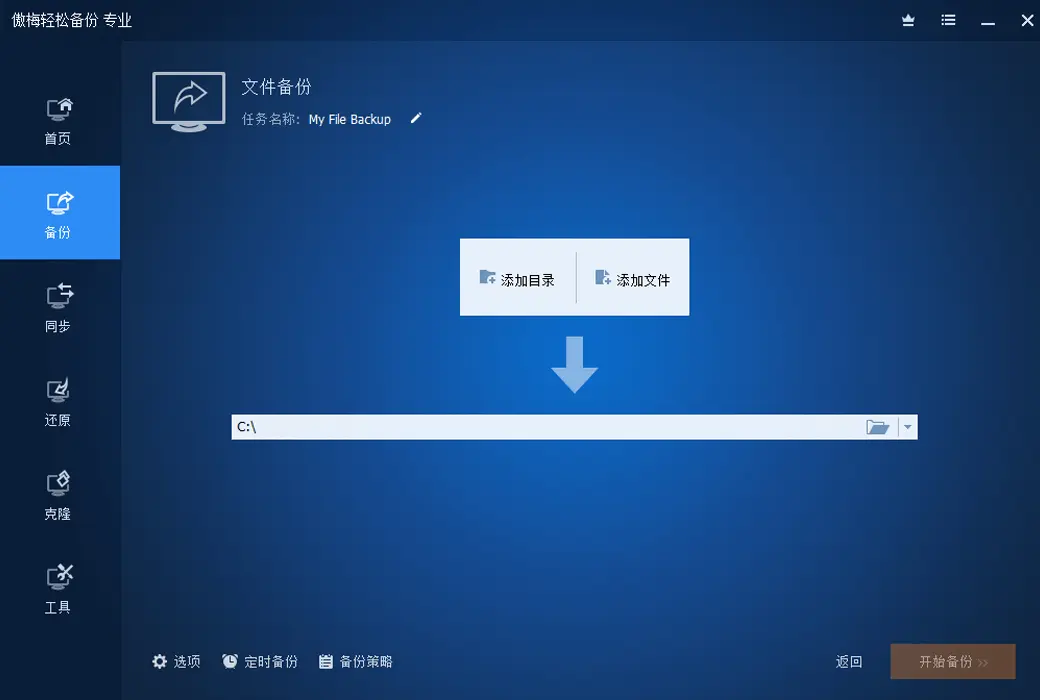
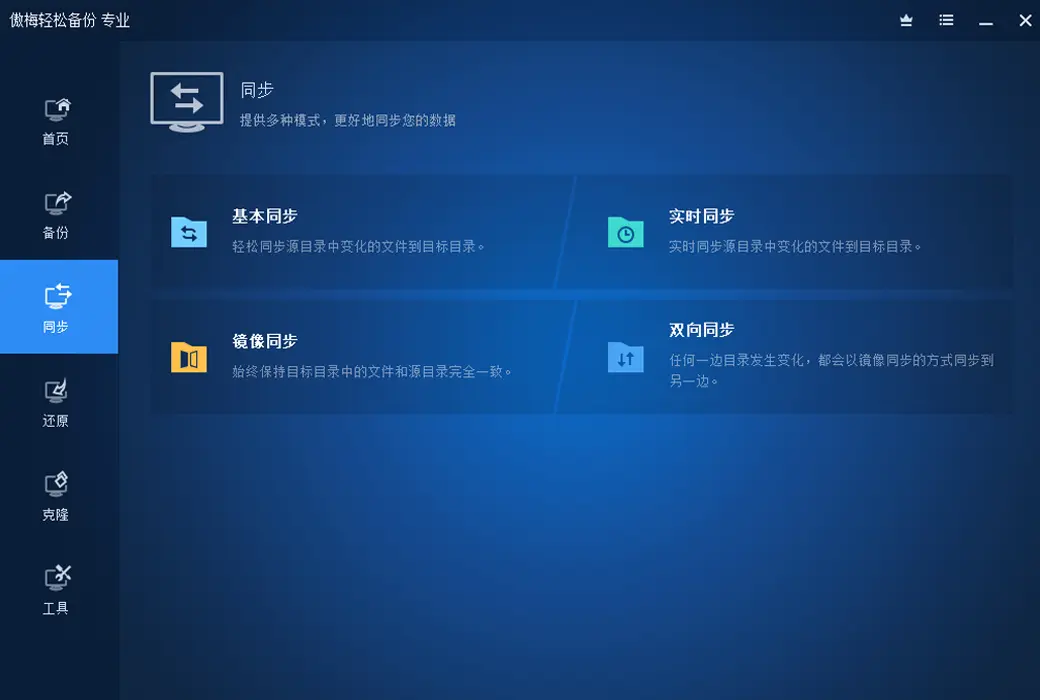
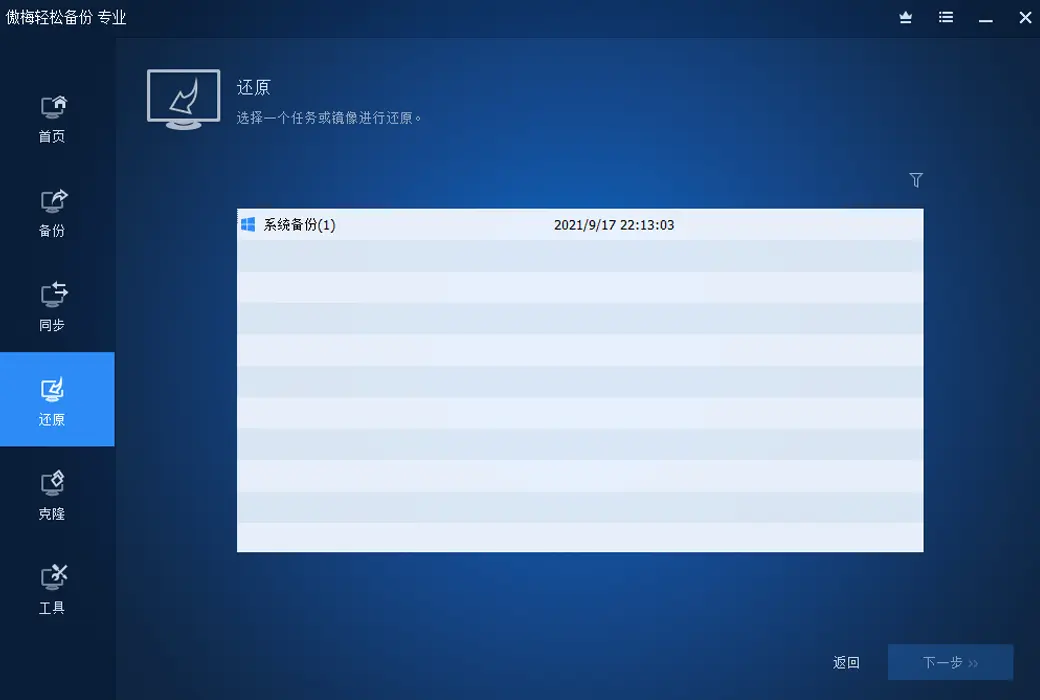
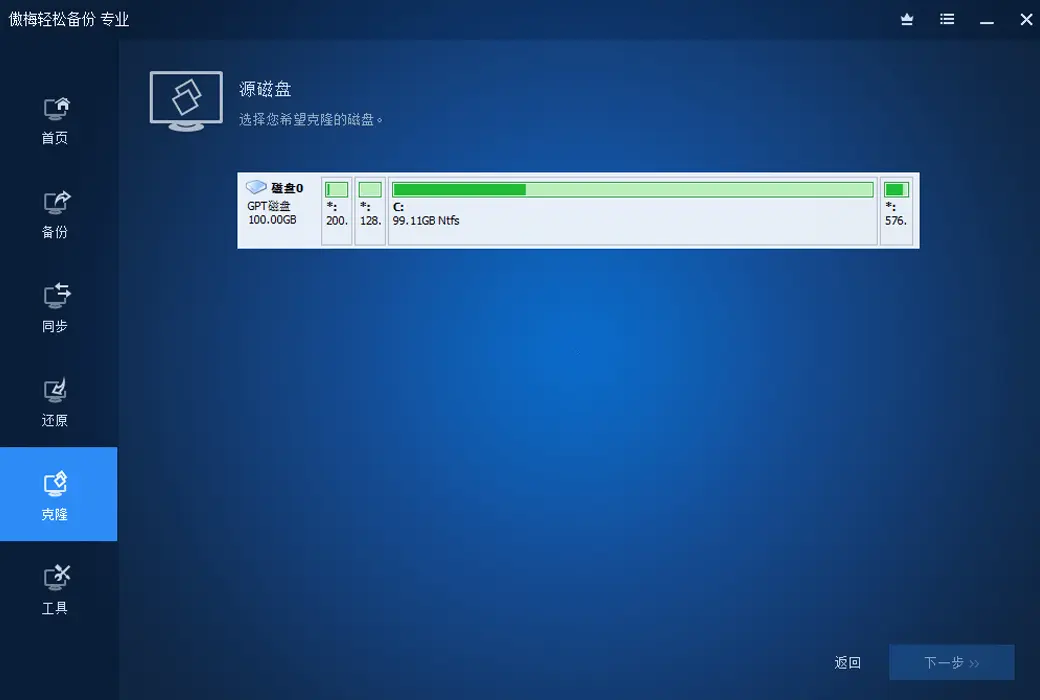
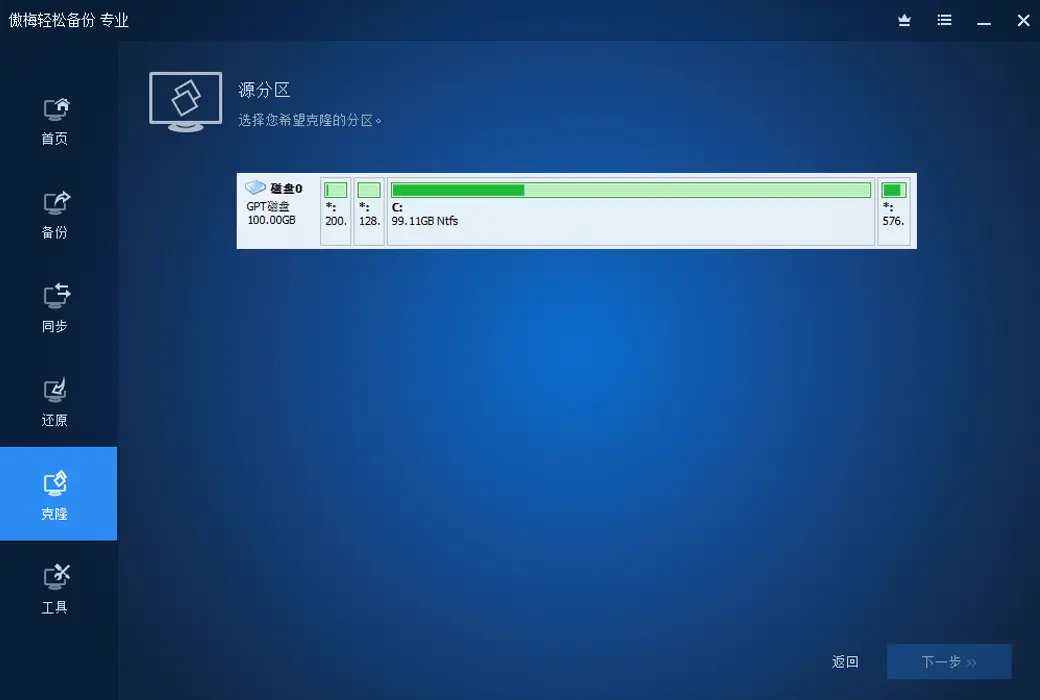
Fortunately, the Aomei backup software now provides a separate "system backup" function, which can automatically backup these two partitions and restore them,
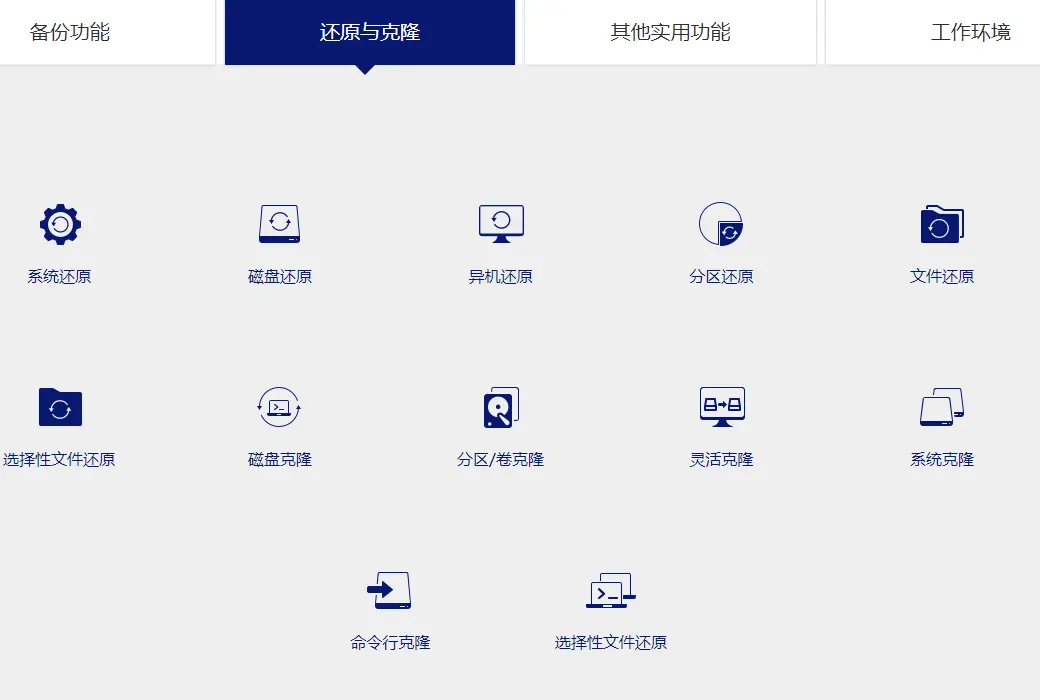
It will also automatically restore the backed up data to these two partitions. Basically, it's a one click operation, and you don't need to backup and restore these two partitions separately.